
01.Hide on page load
Chat Privacy applies the hiding layer as supported AI sites open, so sidebar titles do not flash during screen share.
A lightweight Chrome extension that hides AI chat history sidebars before they leak project names, client names or unfinished ideas during demos, recordings and pair programming.
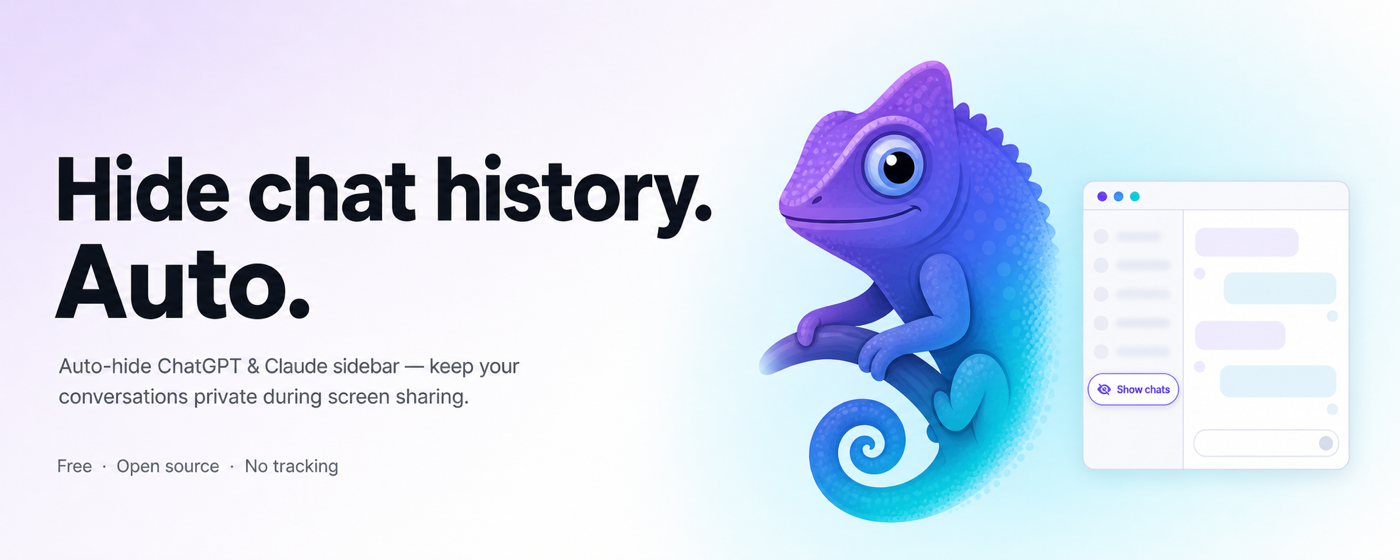
One click is all it takes to turn a sidebar full of secrets into a screenshot-safe surface.
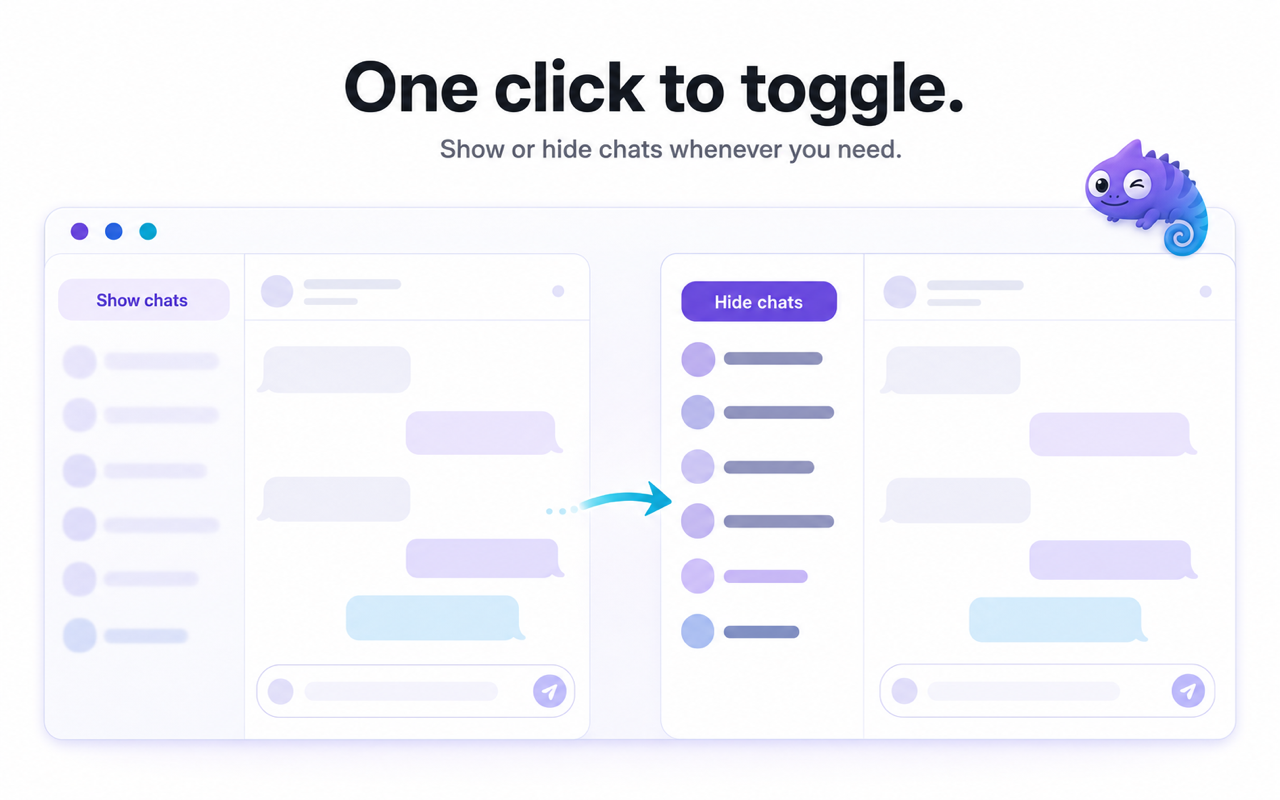
Conversation titles fully visible
Same sidebar, safely hidden while sharing
Eight major chat platforms supported on day one. No extra setup per site.
Automatic hiding, quick reveal, and a popup switch for screen-share confidence.
Chat Privacy applies the hiding layer as supported AI sites open, so sidebar titles do not flash during screen share.
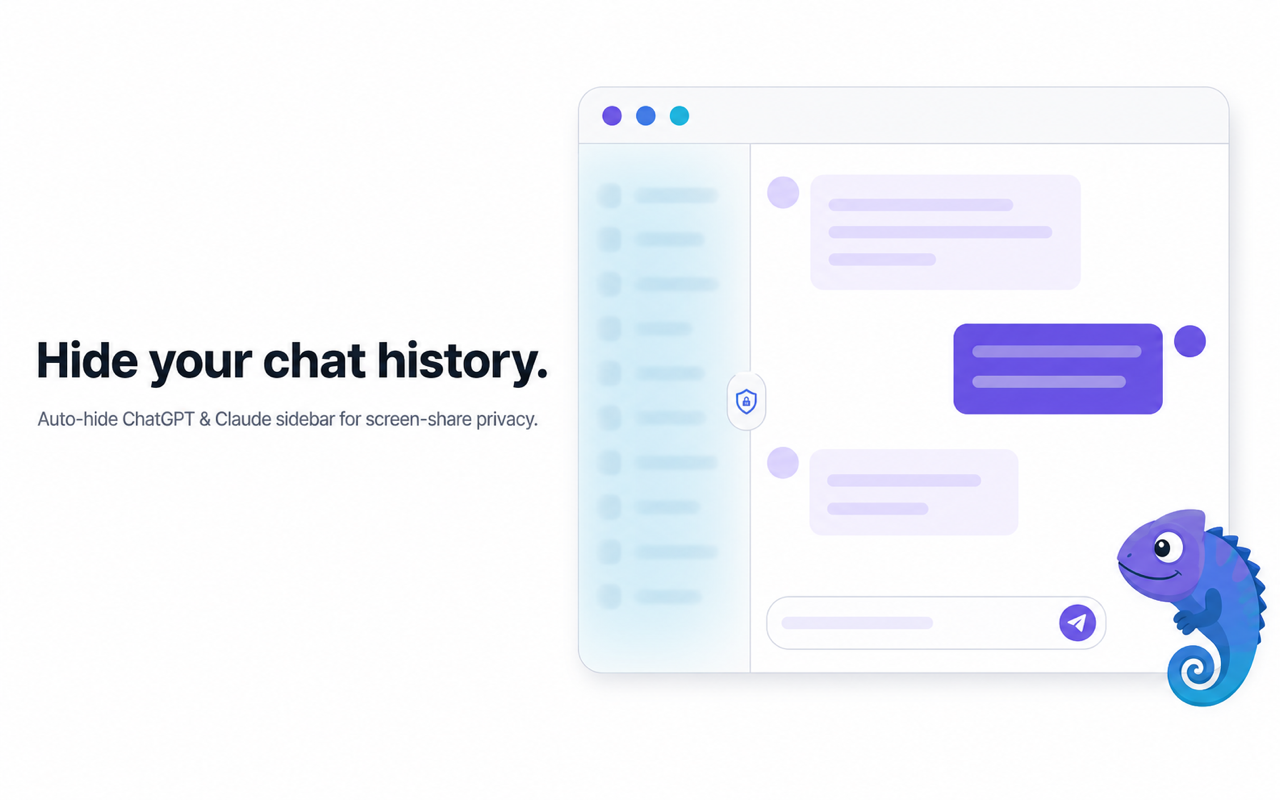
Use the small reveal control in the sidebar when you actually need your history, then hide it again.
Open the toolbar popup to enable or pause hiding. Your preference follows Chrome sync across your devices.
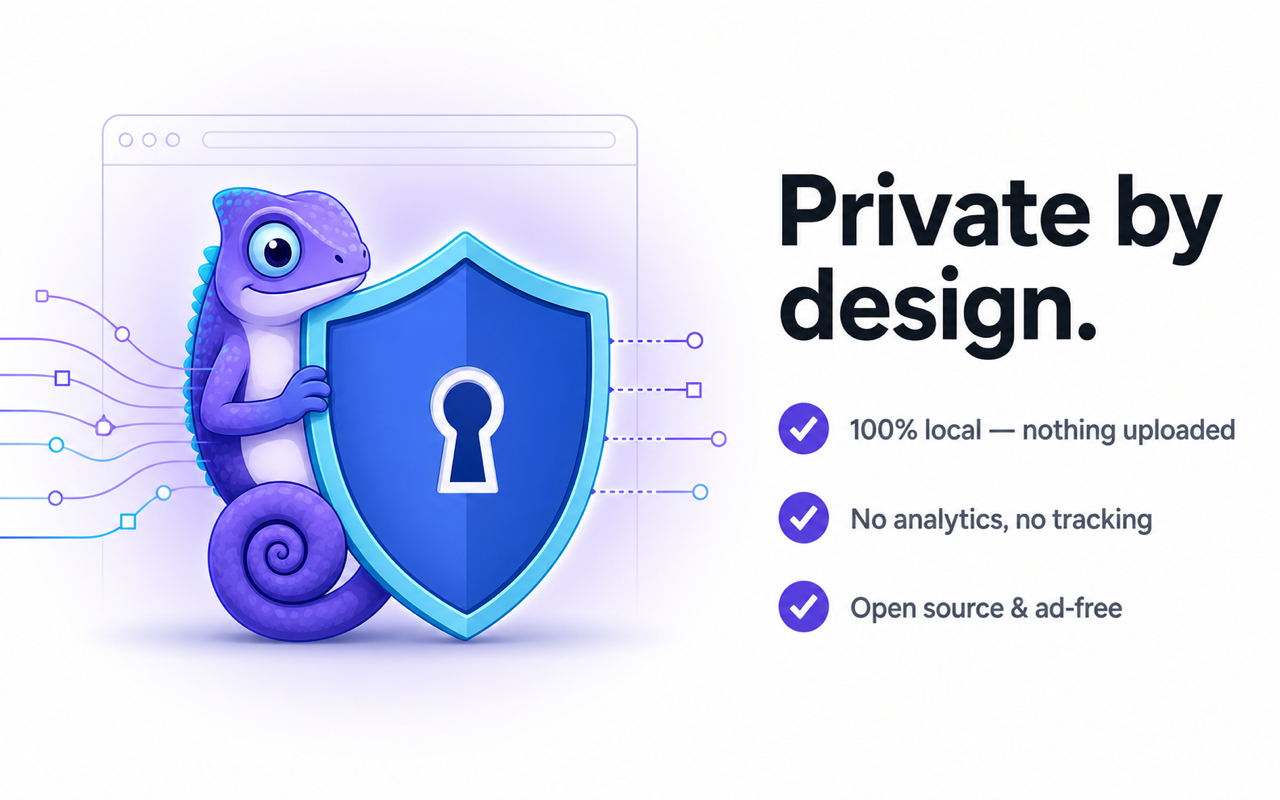
Chat Privacy was built around a single principle: the safest data is data we never touch. The extension runs entirely inside your browser, makes zero network requests, and asks only for the permissions it strictly needs.
The extension does not collect, upload, analyze, or store conversation content.
No telemetry, no analytics, no remote config, and no server calls from the extension.
Only requests storage for your preference and host access for the 8 supported AI chat sites.
All hiding happens locally in your browser — no tracking pixel, and nothing about your chats ever leaves your device.
The install link will connect to the Chrome Web Store listing when it is available.
Use the install entry when the Chrome Web Store listing is available.
The default setting hides sidebars automatically on supported AI chat sites.
Visit ChatGPT, Claude, Gemini, Perplexity, Copilot, Poe, DeepSeek, or Grok.
Click the sidebar reveal control when you need history, then return to private mode.
Everything you need to know before you install Chat Privacy.
No. The extension does not collect, upload, analyze, or store conversation content. It only controls whether supported sites display sidebar history.
Chat Privacy runs locally in your browser and does not add network requests or telemetry.
ChatGPT, Claude, Gemini, Perplexity, Microsoft Copilot, Poe, DeepSeek, and Grok. Host permissions are scoped to these supported sites.
Yes. Use the reveal control in the sidebar when you need to browse history, then hide it again for sharing.
Yes. Sidebars are hidden on page load, so conversation titles stay covered during live demos, screen shares, and recordings until you choose to reveal them.
The extension intentionally avoids broad host permissions. It only targets the supported AI chat domains.